How to manage portal translations and custom wordings?
Last updated: June 22, 2026
You can manage portal translations and custom wordings using the portal content management feature. This allows you to add new languages, customise existing translations, and update content without our assistance.
We recommend using English as the base and primary language when configuring Ondorse, and then adding translations in other languages using the feature described in this page.
For example, create custom fields in English and provide their French translations in the portal.
While Ondorse supports translating the portal in any language, English is the only base language supported by Ondorse. Configuring Ondorse in another language may result in unexpected language mixing.
Portal localisation
In Portal, the user will be able to choose the available languages for which you've provided a translation.
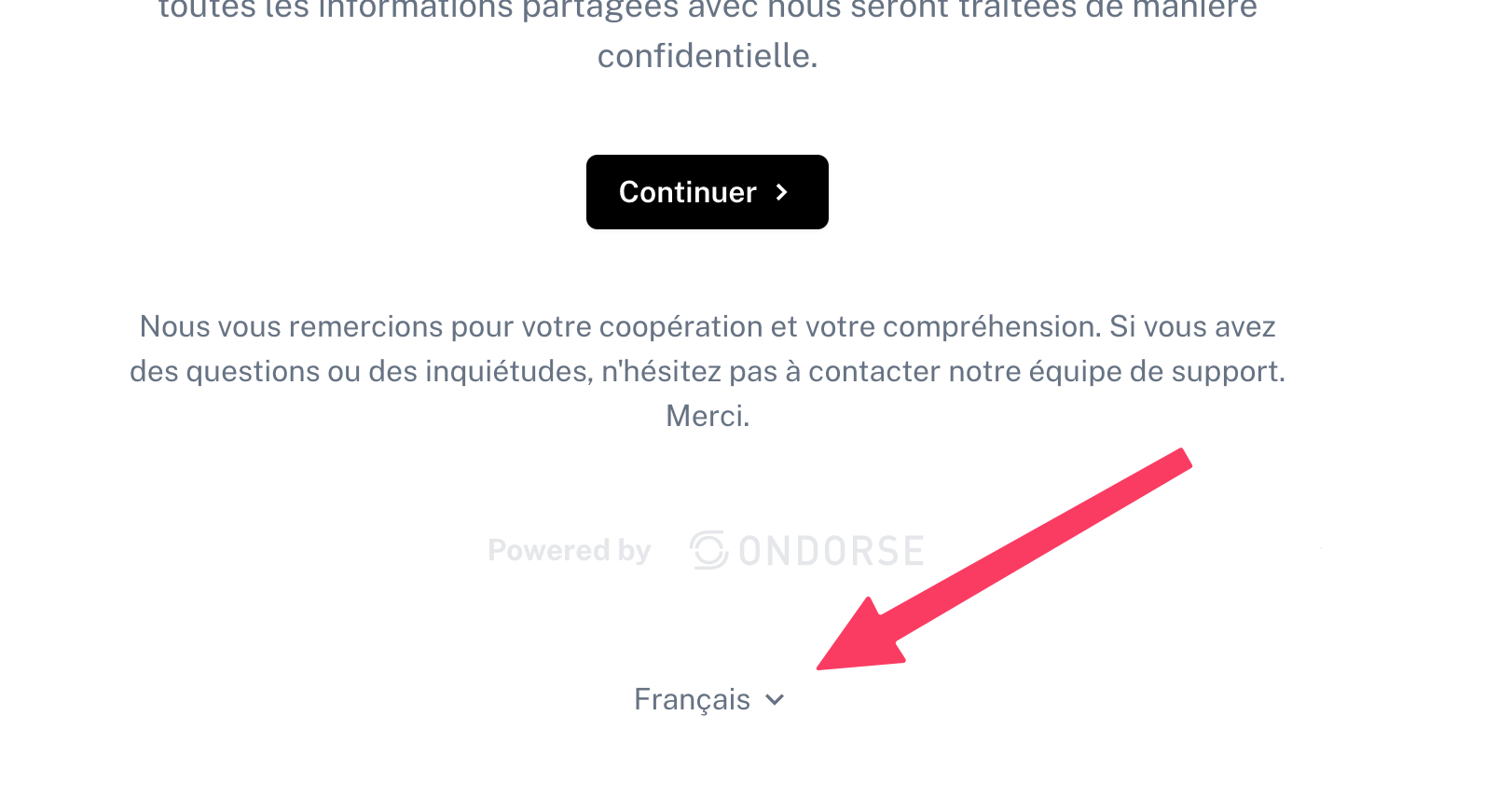
By default, the selected language is set to the browser's language.
Portal comes with a content for English (en-US), French (fr-FR), Bulgar and Dutch, but you can add more languages. See below.
Adding or editing a translations
All texts of portals are customisable by account and by language.
Accessing the translation settings
Go to Settings > Portals > Content to access the translation management interface.
Adding and managing translations
Here's how to work with portal translations:
Add a new language: click the "Add" button to add a new language to your portal
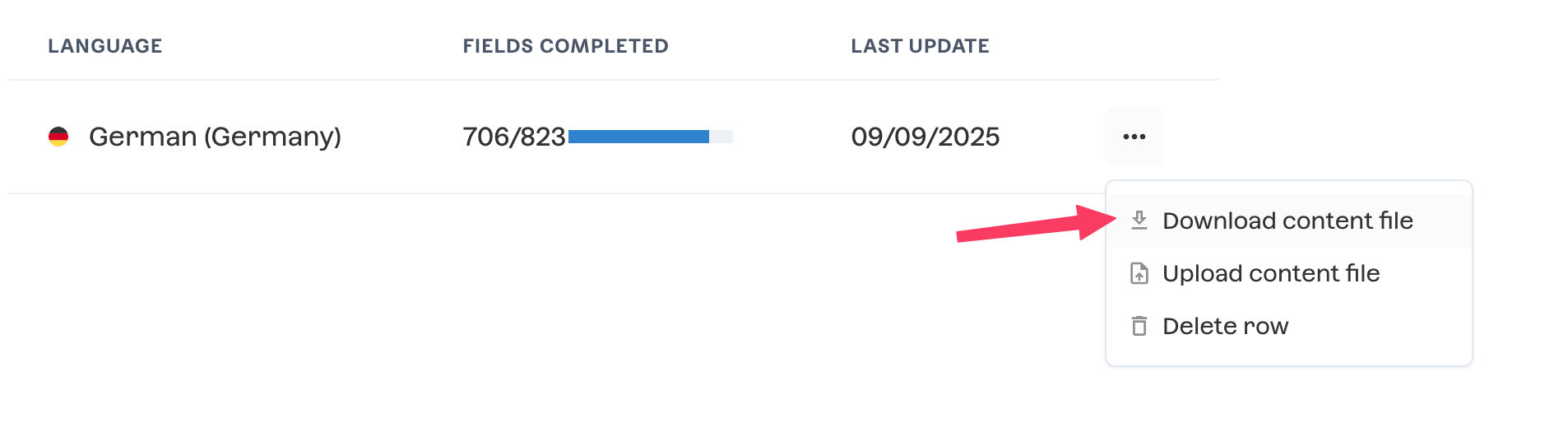
Download the template: for each language, download the template file which will contain all possible customisable wording in portal.
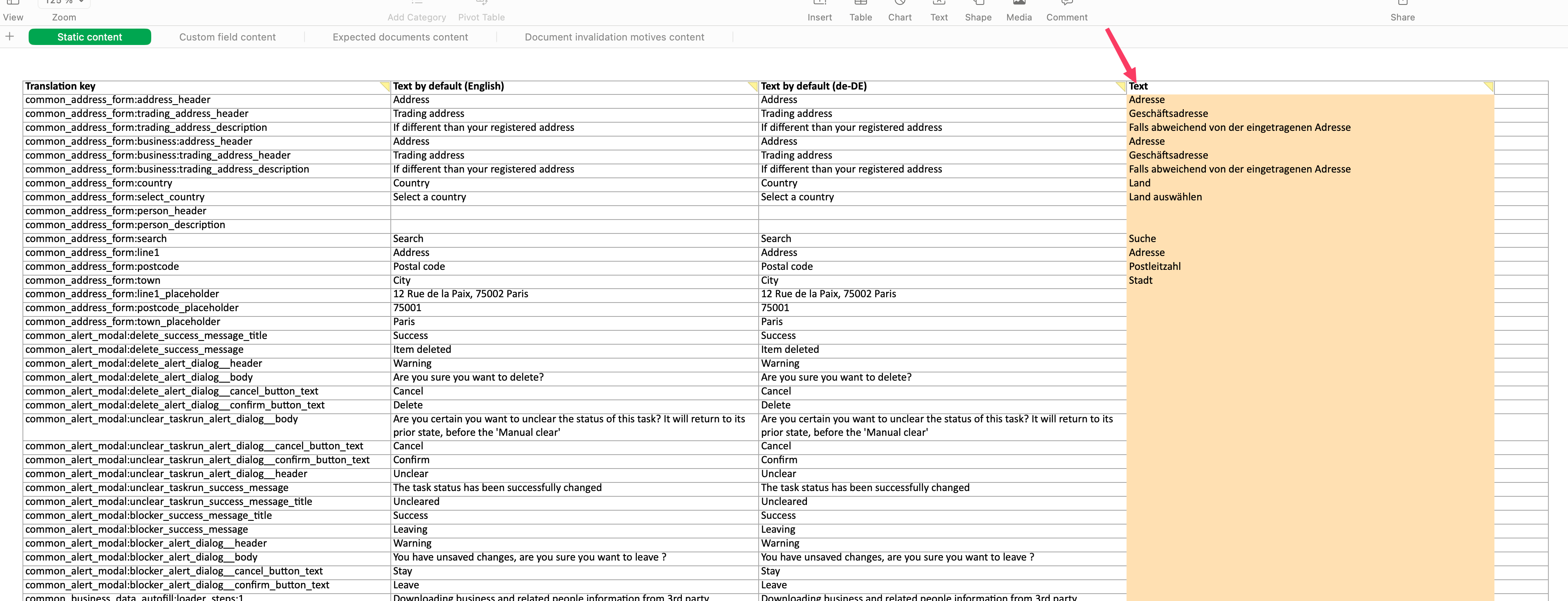
Edit translations: complete or modify the translations in the downloaded file by editing the Text column of each tab. ⚠ Note that the file contains multiple tabs, so make sure to review all sections
Upload the updated file: re-upload the completed translation file for the appropriate language
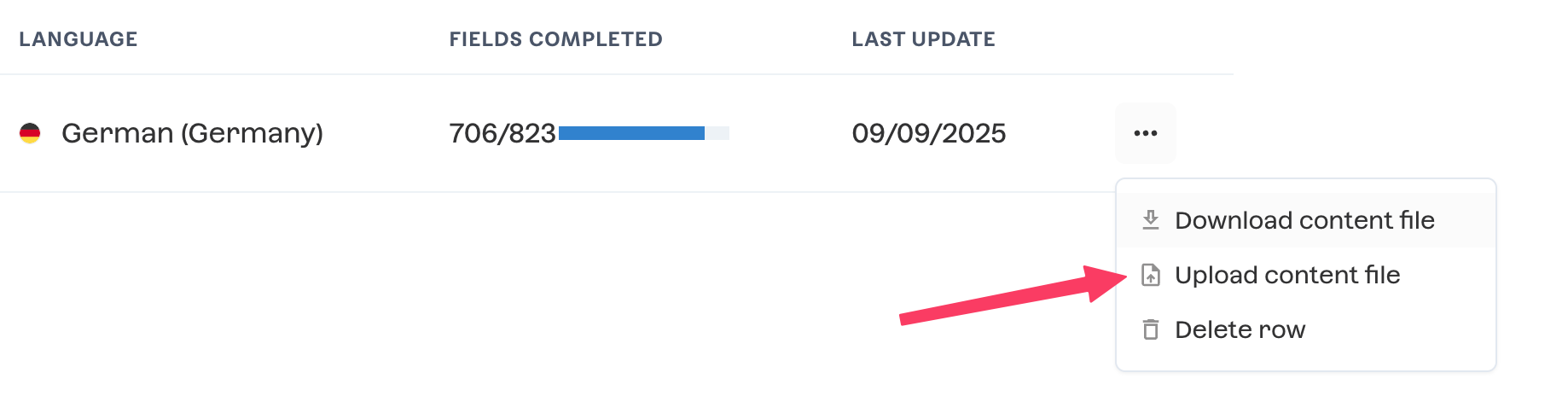
Changes go live: your translations will be applied immediately after upload
FAQ
What happens to the translations imported using the previous method? Via Ondorse support, before September 2025.
If translations were previously loaded for your portal, you don't need to recreate them from scratch. When you add a language and download the template file, it will already contain the existing translations, which you can then modify or complete as needed.
This self-service approach allows you to manage all your portal languages independently and make updates in real-time.