How to receive an e-mail or Slack when a new case is created ? Using Zapier
Last updated: April 27, 2026
By using webhooks to trigger automatic actions in Zapier such as sending e-mails, sending Slack messages and much more.
In this article, we showcase an example with Zapier but you can use any other automation platform: N8N, Make, Workato, IFTTT, etc..
In this example we will see how to get an e-mail notification of a new case being created.
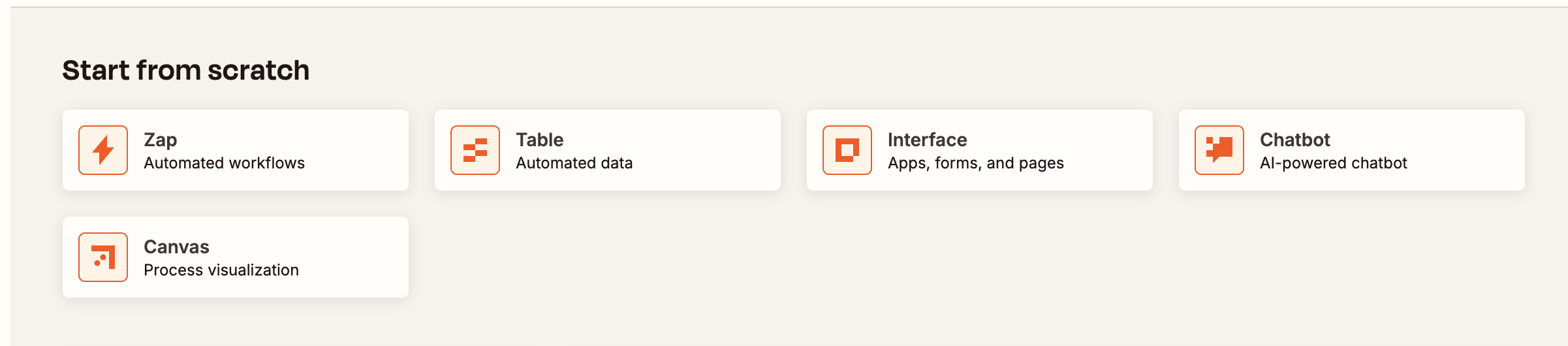
Start by creating a new Zap (Automated Workflow)
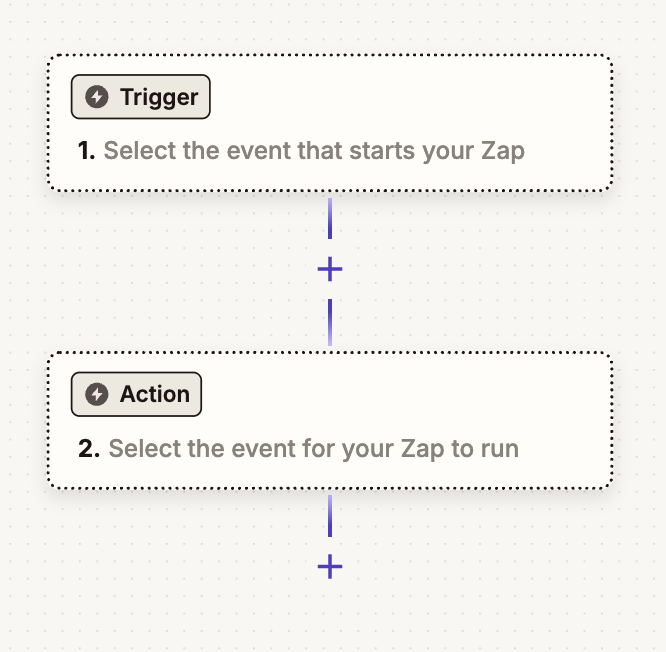
In a Zap you will find a trigger and an action. Click on the "Trigger" field.
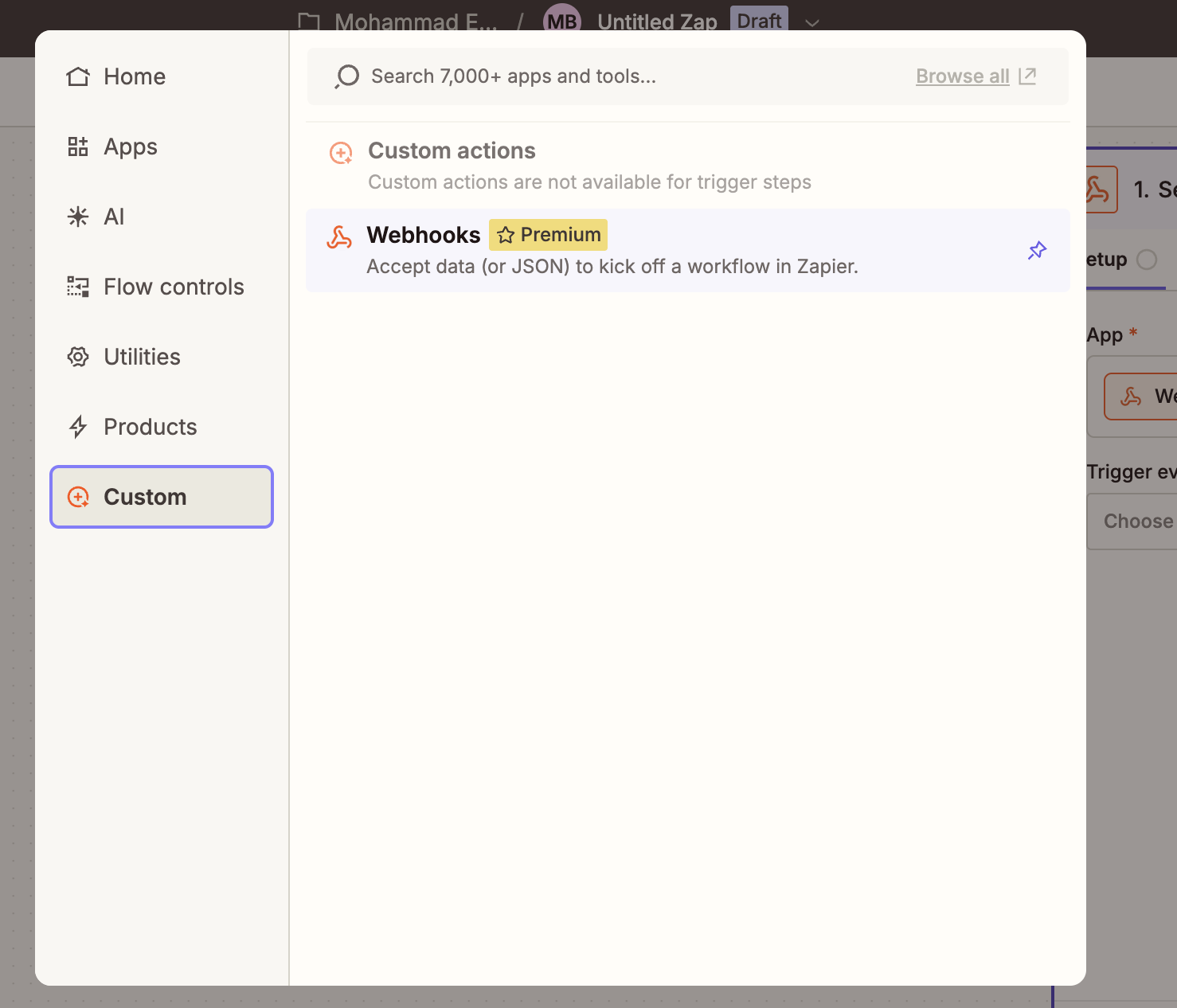
Go to → Custom → Webhooks.
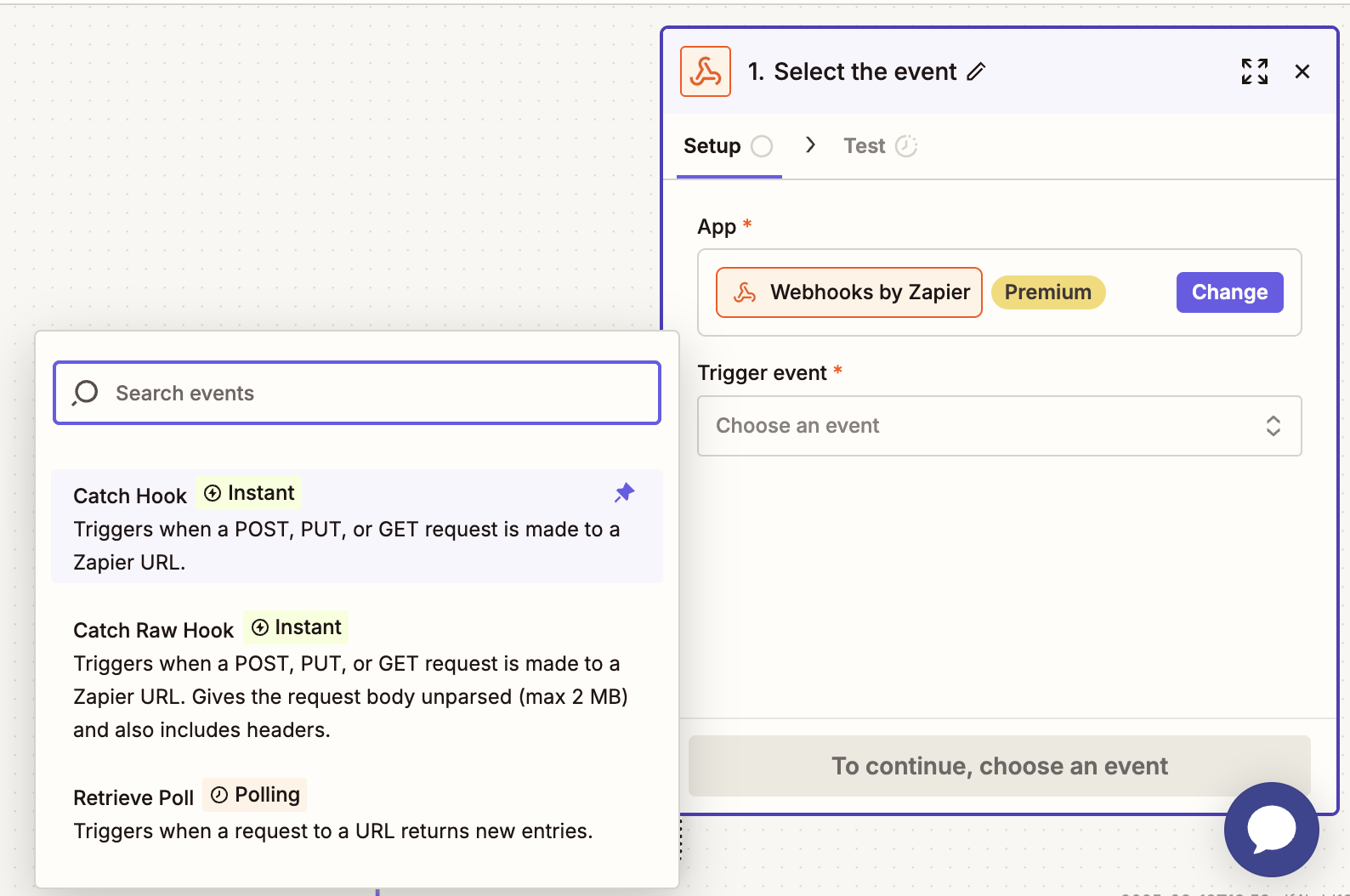
Select “Catch Hook” as trigger event in the Setup tab.
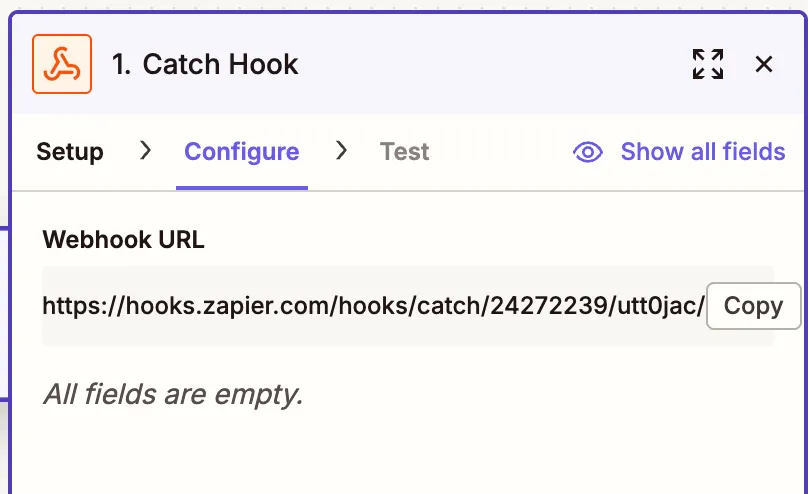
Copy the Webhook URL generated by Zapier in the Configure tab, we will need this link in the Ondorse app :
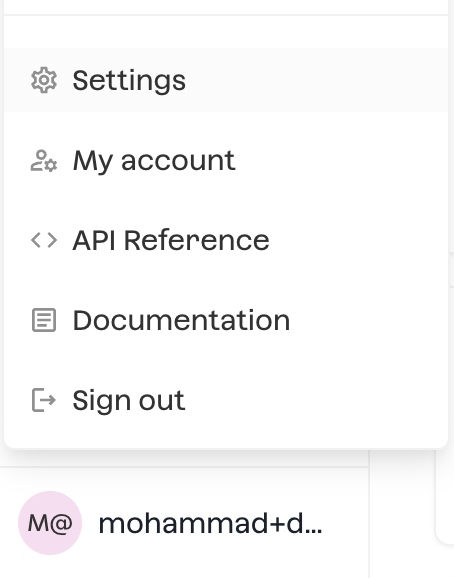
To access the webhook section in the Ondorse app, Settings → Webhooks → Add Webhook :
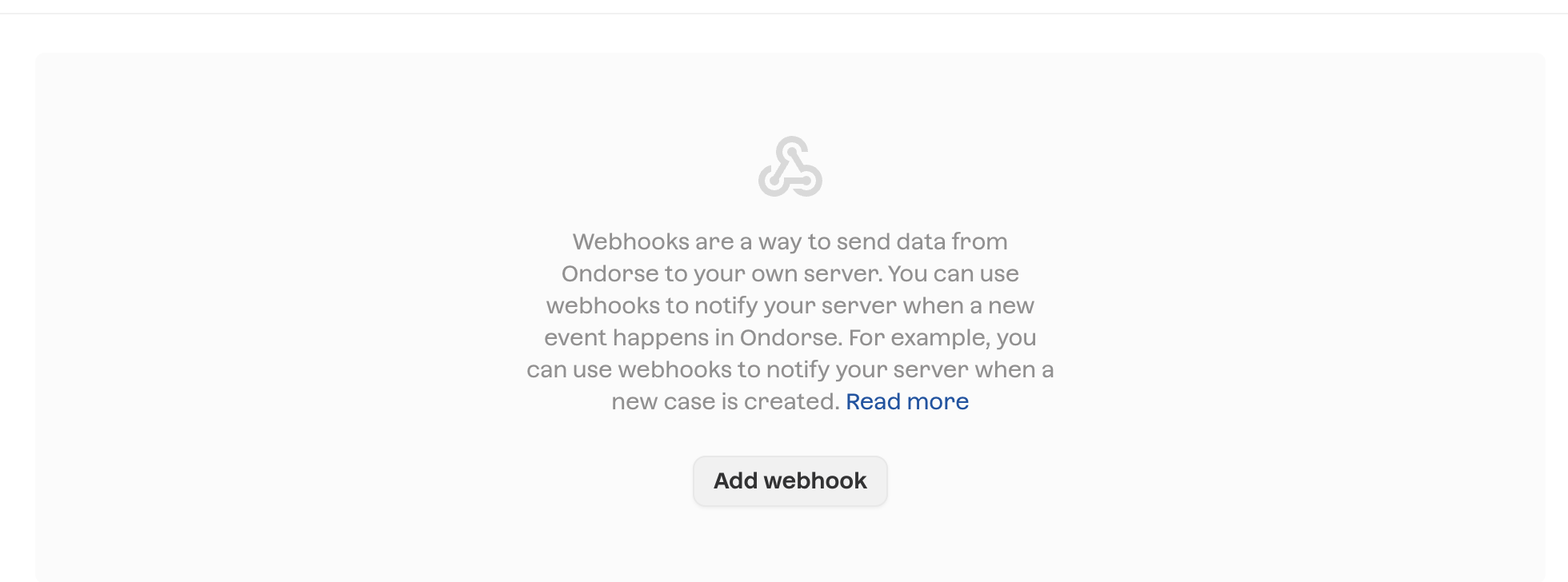
Paste the generated Webhook URL from Zapier in the Webhook tab in Ondorse and select the events you want to have a webhook triggered for (the different events are explained in our API documentation):
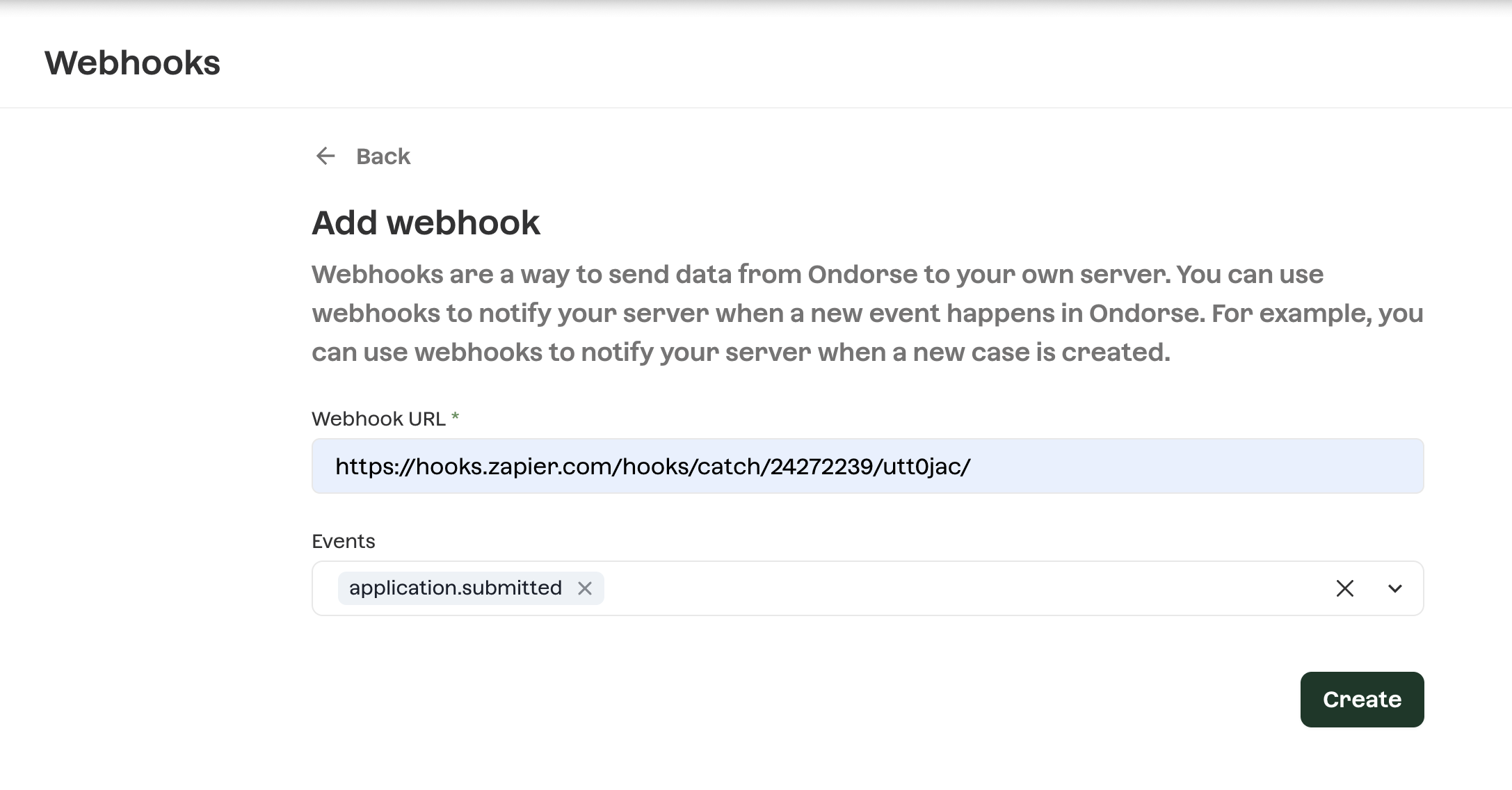
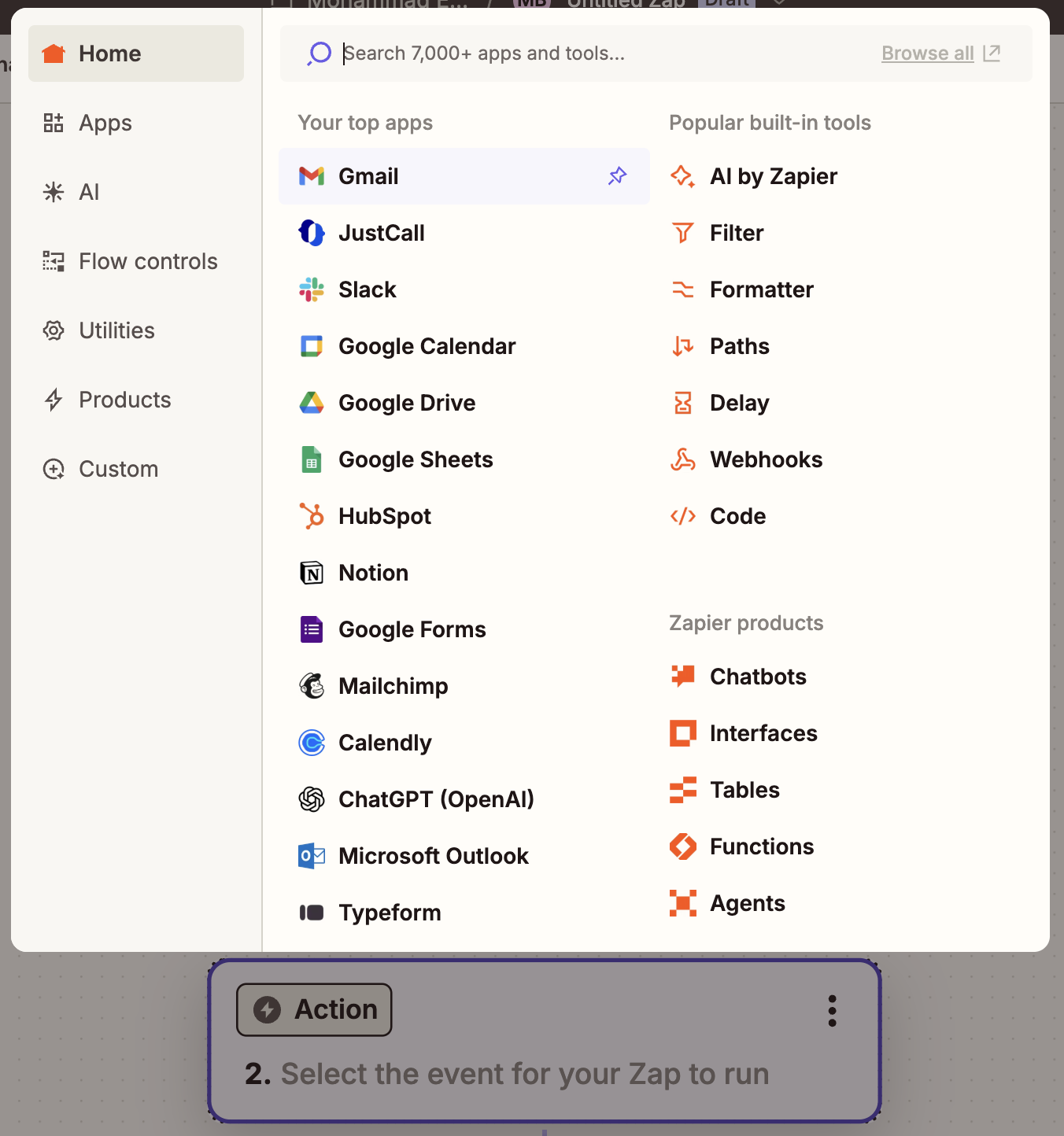
application.submitted will trigger the webhook on every new case submitted Now we can configure the action, select your e-mail service you are using (Gmail in my case) :
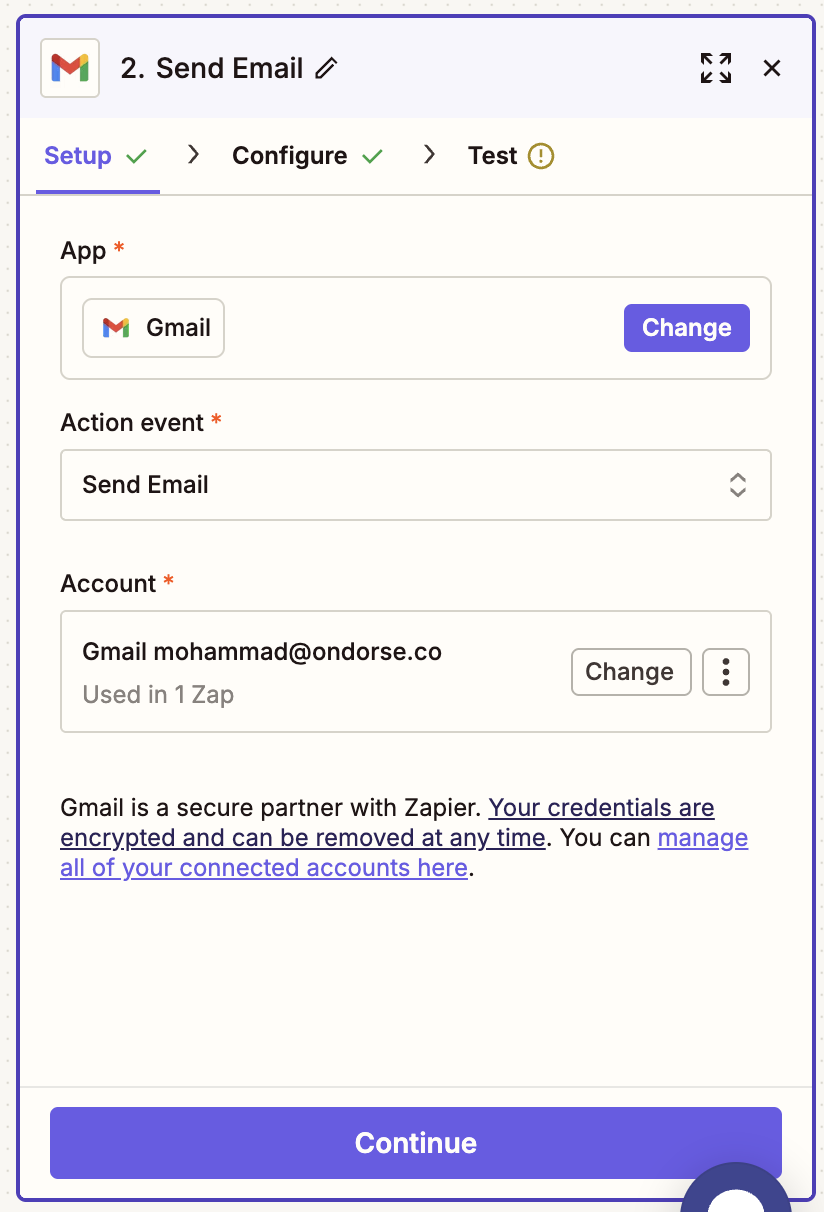
select the automated action you want (Send Email for this example) and log into the account you want the action done from.
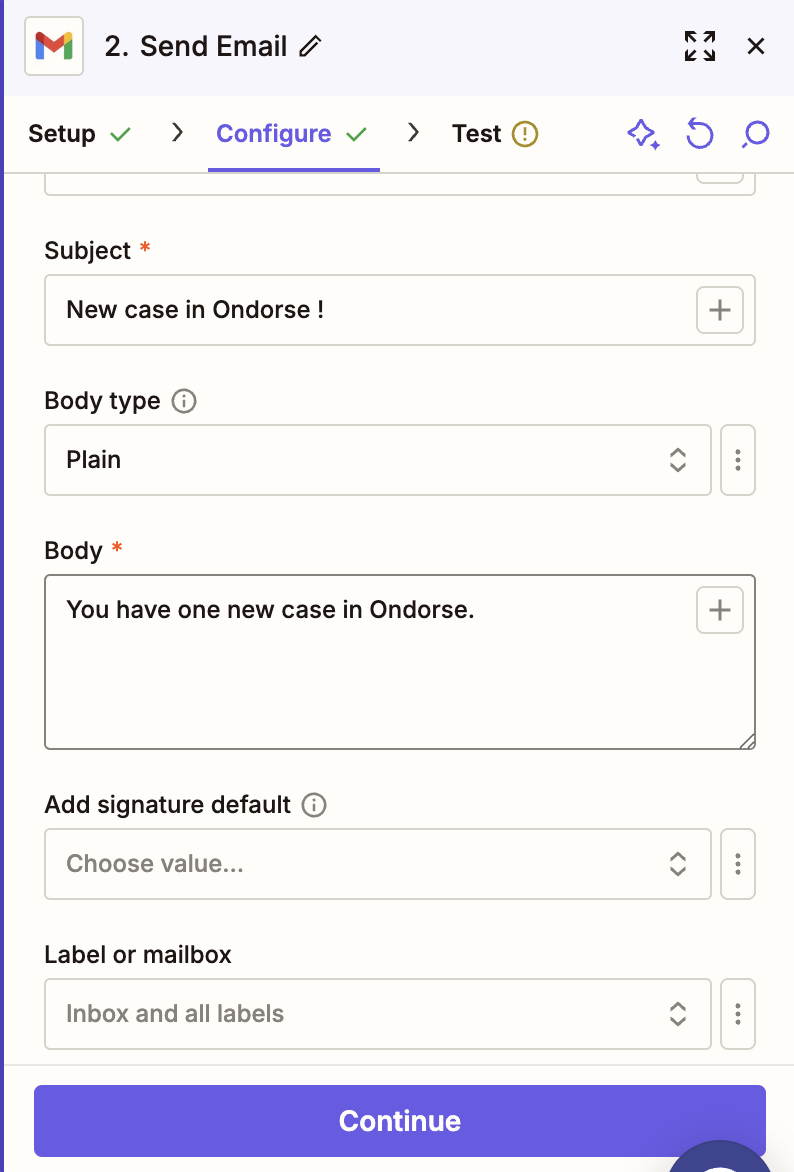
An email will be sent, from the Gmail account I have connected Configure your action : For sending an e-mail, add receivers (this e-mail can be the same e-mail adress you are sending the e-mail from), the subject and the body.
Publish the Zap and test it. When creating a new case, the receivers should get this e-mail as configured.
