How to read the 'Waiting on' status
Last updated: December 3, 2025
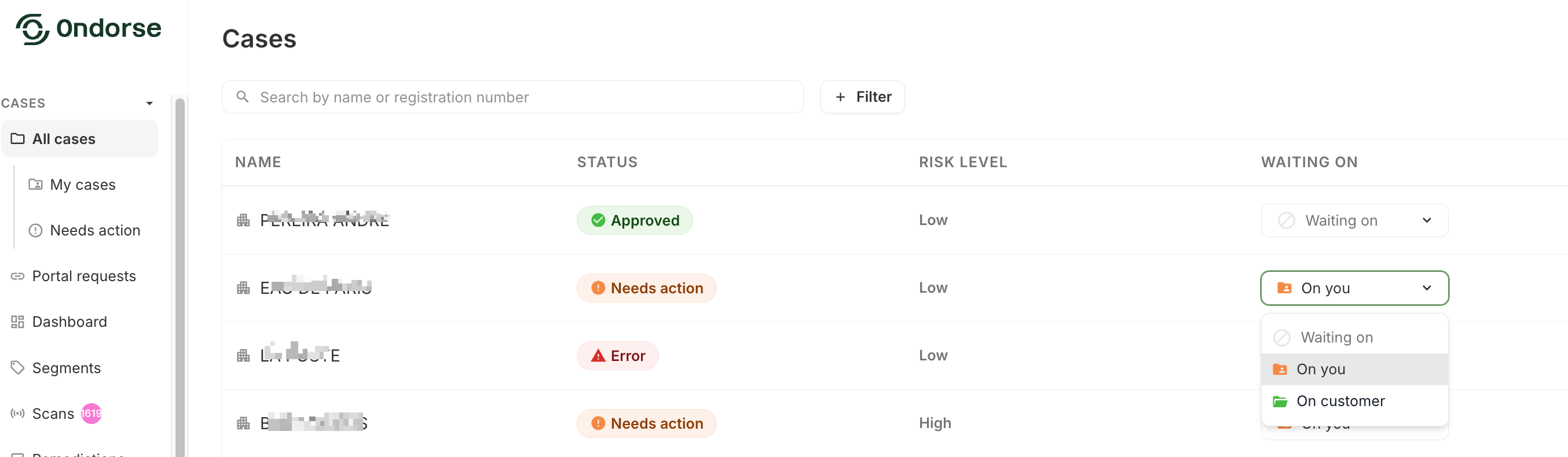
In Ondorse, you can track and monitor cases that require your attention, or cases that are still waiting on the customer whether it is because they are still onboarding or because you have required further information from them.
The 'Waiting on' column simply details if a case is 'on you' or 'on customer'. This is directly linked to the portal request status and helps you manage your operational workload and your priorities within Ondorse.
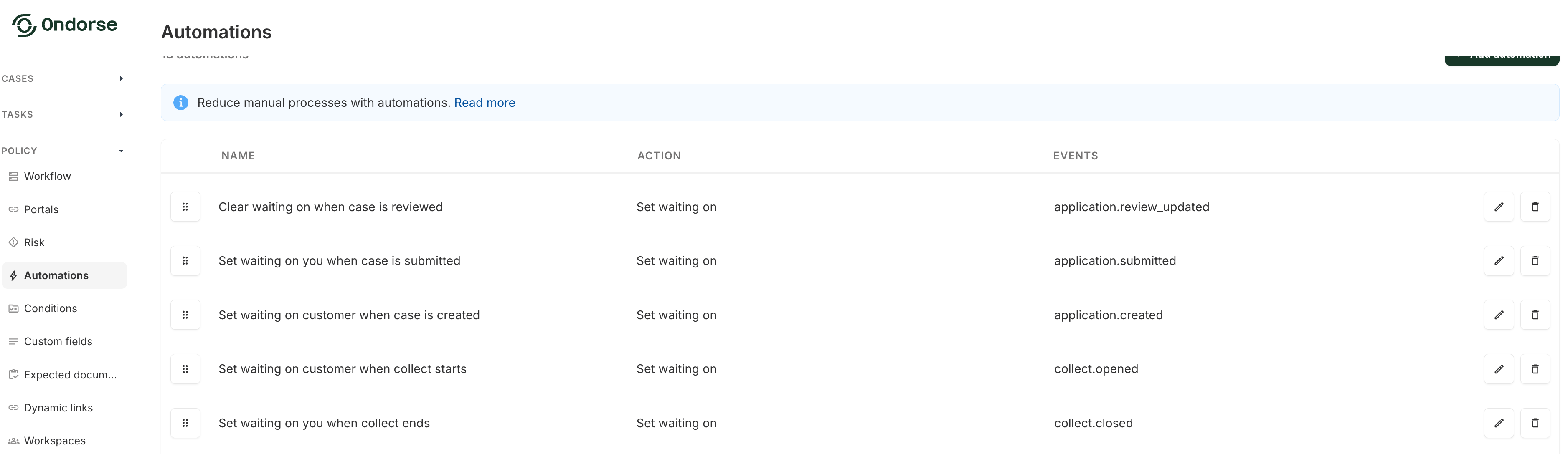
You have five default automations in place on your account which ensure automatic updates of this status.
You can contact support@ondorse.co if you would like to add more actors you can be waiting on, for example a BPO.
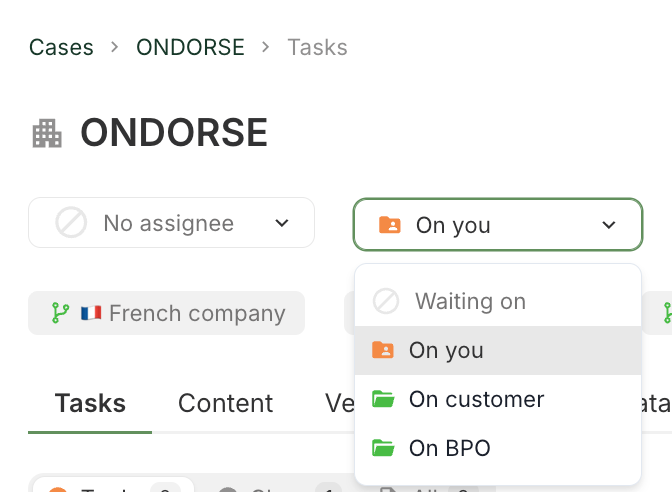
You can then change the automations to adapt to your workflow. For example you will change the automation Set waiting on you when case is submitted to Set waiting on BPO when case is submitted and BPO agents will manually set the case to On you whenever they are done pre-treating a case.
Please read more on how this can be useful when setting SLAs in: